How to take good card photos before a trade
On this page
A good photo does not need to look like a catalogue image, but it should let the other person identify the card and judge its condition without guessing. Clear photos reduce messages, prevent surprises and make your listings feel trustworthy.
Use simple light and a clean surface
Place the card on a plain background with enough contrast. Indirect natural light usually works better than direct flash, which can create glare on foil cards or hide scratches.
- Turn off filters that change the real colour.
- Avoid photographing through a shiny sleeve if it hides the corners.
- Clean your phone lens before you start.
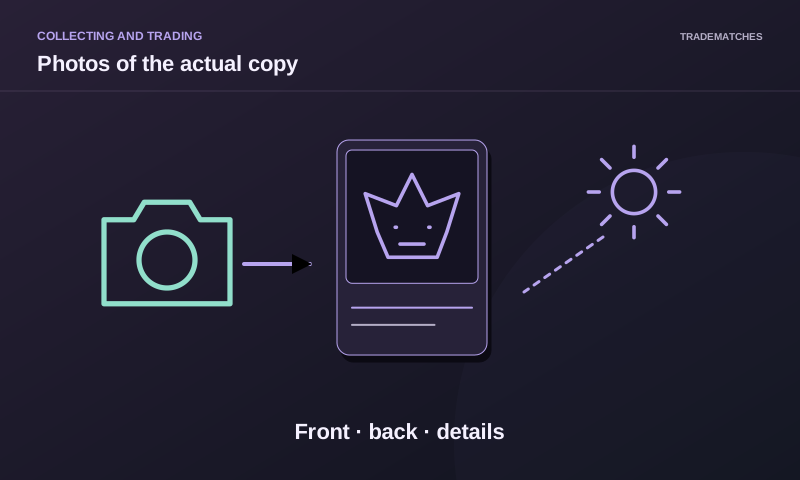
Always photograph front and back
One side is not enough. The back can reveal whitening, creases, stains or colour differences that are not visible on the front. Keep the phone parallel to the card so perspective does not distort the edges.
Add a close-up when needed
If there is a defect, photograph that area closely and describe it in words. Include a corner, edge, surface mark or collection number. For a higher-value card, a photo with a date marker can help show that the image is current.
Information that should accompany the photo
Write the game, expansion, number, language, version, quantity and approximate condition. Do not use “perfect” instead of Near Mint, and disclose signed or altered cards.
Build a repeatable setup
If you list many cards, use one fixed area and the same framing. Your inventory will look consistent and you can update one card without reshooting everything. Before publishing, open the image full size and check that the key text is readable.
Six photos with a purpose
- Full front, camera parallel: identifies the name and printing.
- Full back: reveals whitening and marks absent from the front.
- Readable set code and number: distinguishes similar artwork variants.
- Angled surface with side lighting: helps reveal scratches and finish without filters.
- Defect close-up plus a wider image: shows its location and extent.
- The complete lot with separated quantities: shows what the offer includes.
A handwritten date and alias can connect photos to a conversation but do not independently prove ownership or authenticity. Remove documents, shipping labels and private screens from the background. Keep the originals; never smooth or erase defects while editing.
Check before sending
Zoom in and read the number. Move the light if reflections conceal the surface rather than increasing saturation. If removing a sleeve is unsafe, explain what remains unseen. Describing that limitation is more useful than calling the card “perfect.”